You're in bed with the lights out when you remember the hallway lamp is still on. Instead of getting up, you switch it off from your phone without moving. On a summer evening, while you're still on the road, you turn on the AC, and the apartment is already cool when you walk in. That's really all a smart home does: it makes the small things you repeat every day a little easier. You don't need to redo your wiring or buy expensive gear all at once. Start with a switch or two and add more at your own pace.
What a smart home setup can include
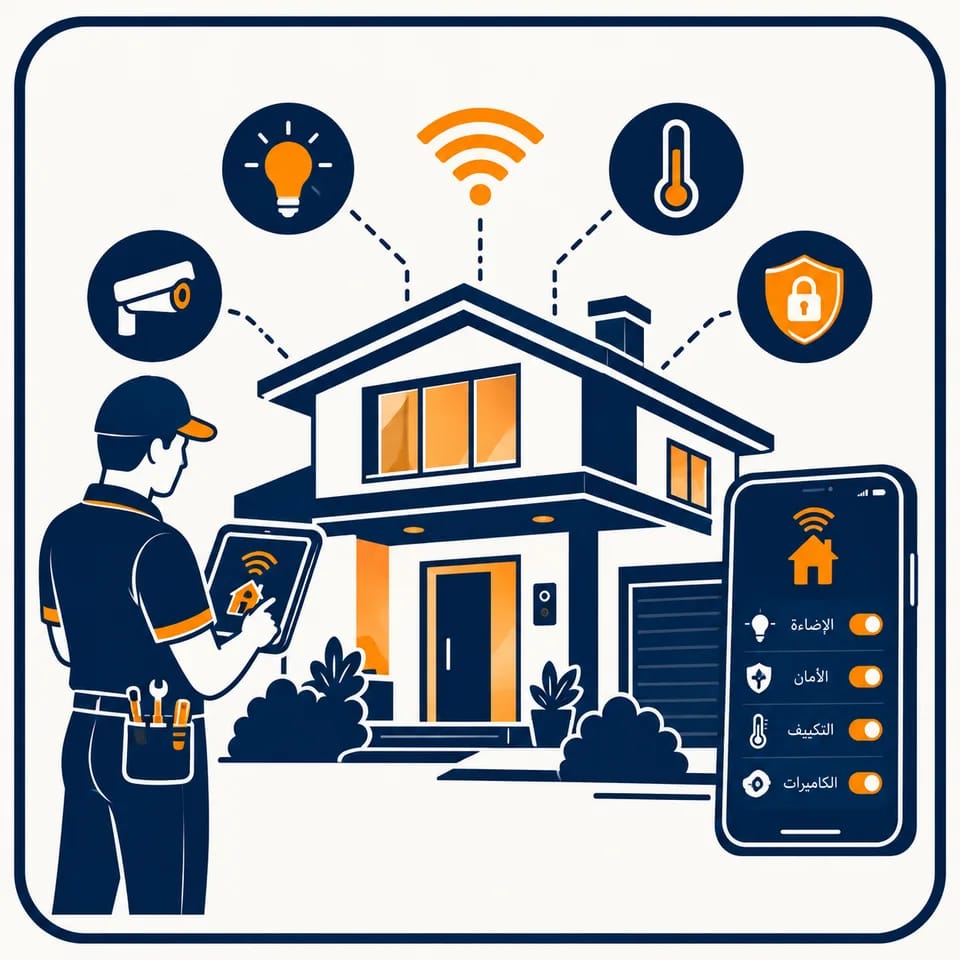
- Smart light switches in place of your regular ones, and smart plugs for any device you want to control.
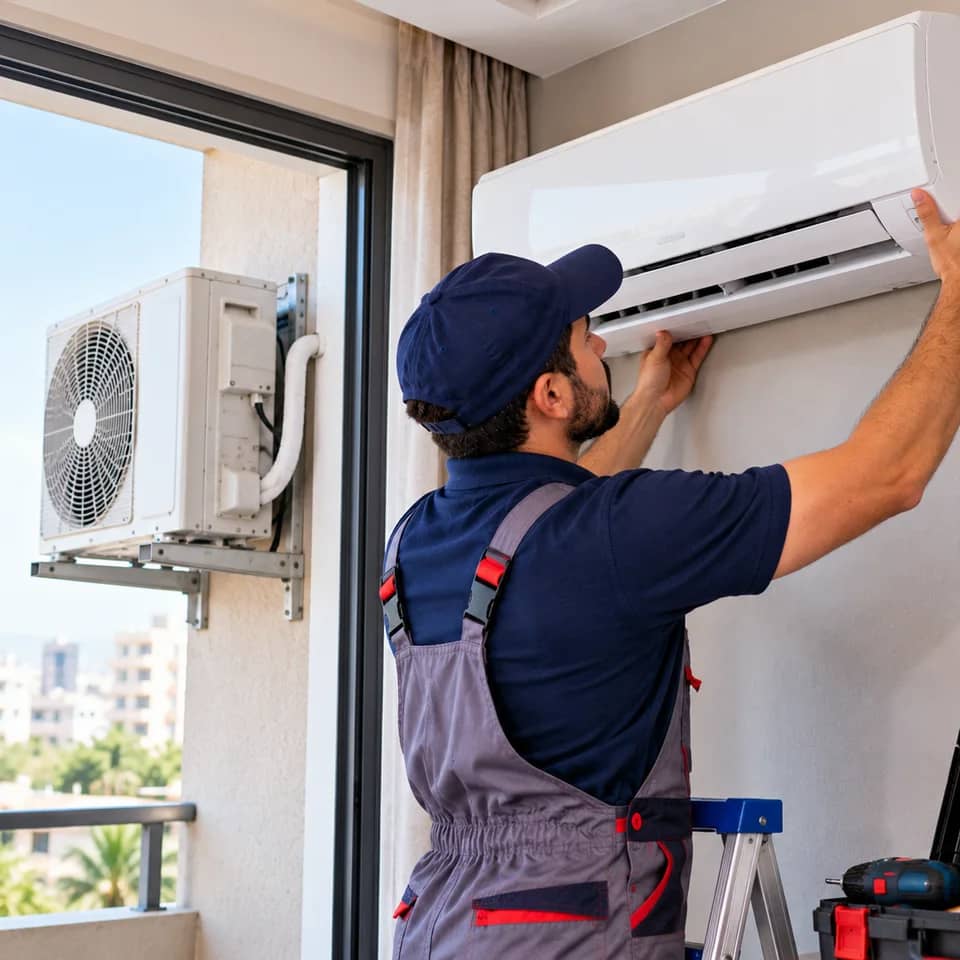
- Control of the AC and water heater from your phone, with on and off schedules you set once.
- Motion sensors that light the hallway at night on their own, and door and window sensors that tell you when something opens.
- A water leak sensor beside the washer or water heater that sends an alert to your phone.
- A smart lock you open with your phone or a code, with a record of who came in and when.
- Motorized curtains and blinds that open in the morning and close when the sun is at its harshest.
- Stronger Wi-Fi across the whole apartment so devices don't drop out in the far rooms.
Setting up your smart home, step by step
- 1Checking the wiring and Wi-FiMany smart switches need a neutral wire in the switch box, and plenty of older apartments don't have one. The technician opens a box or two and measures Wi-Fi strength in each room before suggesting any device.
- 2Choosing devices that work togetherRather than one app per gadget, the technician helps you pick devices that come together in a single app and work with your phone and the voice assistant you already use.
- 3Installation and testingThe switches, sensors and devices are fitted, connected to your network, and each one is tested from your phone while you watch.
- 4A short tour of the appFinally, the technician sits with you over the app: how to create a scene like 'Leaving home' that switches everything off in one tap, and how to add family members to the same devices.
What a smart home setup costs depends mostly on two things
First, the number of devices. Two switches in the living room is a very different job from a whole apartment with sensors, a smart lock and curtains. Second, the state of your wiring. If the boxes have a neutral and the cables are sound, installation goes faster; if lines need extending or reworking, that shows in the price.
Once the technician has seen your wiring, the quote shows up in your order to review and approve, and you're free to start with one room and carry on later. Payment can be cash or any electronic option the app offers.
Record a voice note in your order about what you'd like to control, then send it to smart home technicians through the Aman Fix app.
Get the app